Most Amazon sellers approach PPC reactively. They launch campaigns when sales slow down, react when ACoS spikes, and change bids hoping something works. That is not a strategy. It is guesswork.
A structured approach looks different. It starts by understanding the account, diagnoses what is actually holding each product back, builds the research that campaigns will run on, and only then launches. This guide lays out that workflow as four stages, followed by the ongoing optimization and reporting cycle that keeps campaigns healthy once they are live.
It is written for sellers who run their own ads and for agencies managing client accounts. If you are new to the fundamentals, start with our beginner's guide to Amazon PPC first.
One note on method. The benchmarks in this guide, such as CTR and CVR thresholds, price gaps and review counts, are working rules of thumb. They vary by category, price point and season, so treat them as starting points to test against your own data, not as Amazon-published standards.
Why stages matter
Skipping stages leads to campaigns built on faulty assumptions. A seller who jumps straight to campaign execution without diagnosing whether the problem is visibility, click-through rate (CTR) or conversion rate (CVR) will optimize for the wrong thing, and can make performance worse. Do the stages in order, every time.
The playbook at a glance
| Stage | Name | Key output | Typical timeframe |
|---|---|---|---|
| Stage 1 | Account Onboarding | Data foundation and reporting set up | Weeks 1 to 2 |
| Stage 2 | Problem Identification | SKU-by-SKU diagnosis: visibility, CTR or CVR | Weeks 2 to 3 |
| Stage 3 | Research and Analysis | Keyword collection, competitor pricing audit, launch strategy | Weeks 3 to 4 |
| Stage 4 | PPC Execution | Live campaigns with structured naming and goal-based bidding | Week 4 onward |
The timeframes assume a typical account of 20 to 50 active SKUs. Larger catalogs take longer.
Stage 1: Account onboarding
Stage 1 is about establishing the facts. Before you change a bid or launch a campaign, you need to understand the current state of every SKU in the account.
Set up your baseline reports
Pull and organize the account's trailing 30, 60 and 90-day history, then build these working sheets:
- Pricing sheet. The current selling price of every active SKU, compared with the top five competitors in each sub-category, so you can judge price competitiveness.
- SEO tracker. The keywords each product currently ranks for organically. The Search Query Performance dashboard in Amazon Brand Analytics is the best source. It is available to brands enrolled in Amazon Brand Registry, and our guide to Amazon Brand Analytics shows how to use it.
- Competitor sheet. The top three to five competitors per product, with their pricing, review count, rating, main image quality and A+ Content status.
- SKU-level listing health tracker. For each SKU, the indicators that affect performance: image quality, A+ Content status, review count, rating, price versus competitors and storefront status.
Run a catalog audit
For every active SKU, check the following and record Yes or No:
- Keyword research completed
- Hero image on a pure white background and zoomable (see Amazon's product image requirements)
- Four or more images on the detail page
- At least two infographic images
- At least one lifestyle image
- Five bullet points
- A+ Content live
- Brand Story available
- SKU included in the storefront
- Correct browse node
- Correct brand name
- Correct parent-child variation mapping
- Backend search terms populated
- No duplicate listings
- Banner creative ready for Sponsored Brands ads
- Video asset ready for Sponsored Brands Video and Sponsored Display video ads
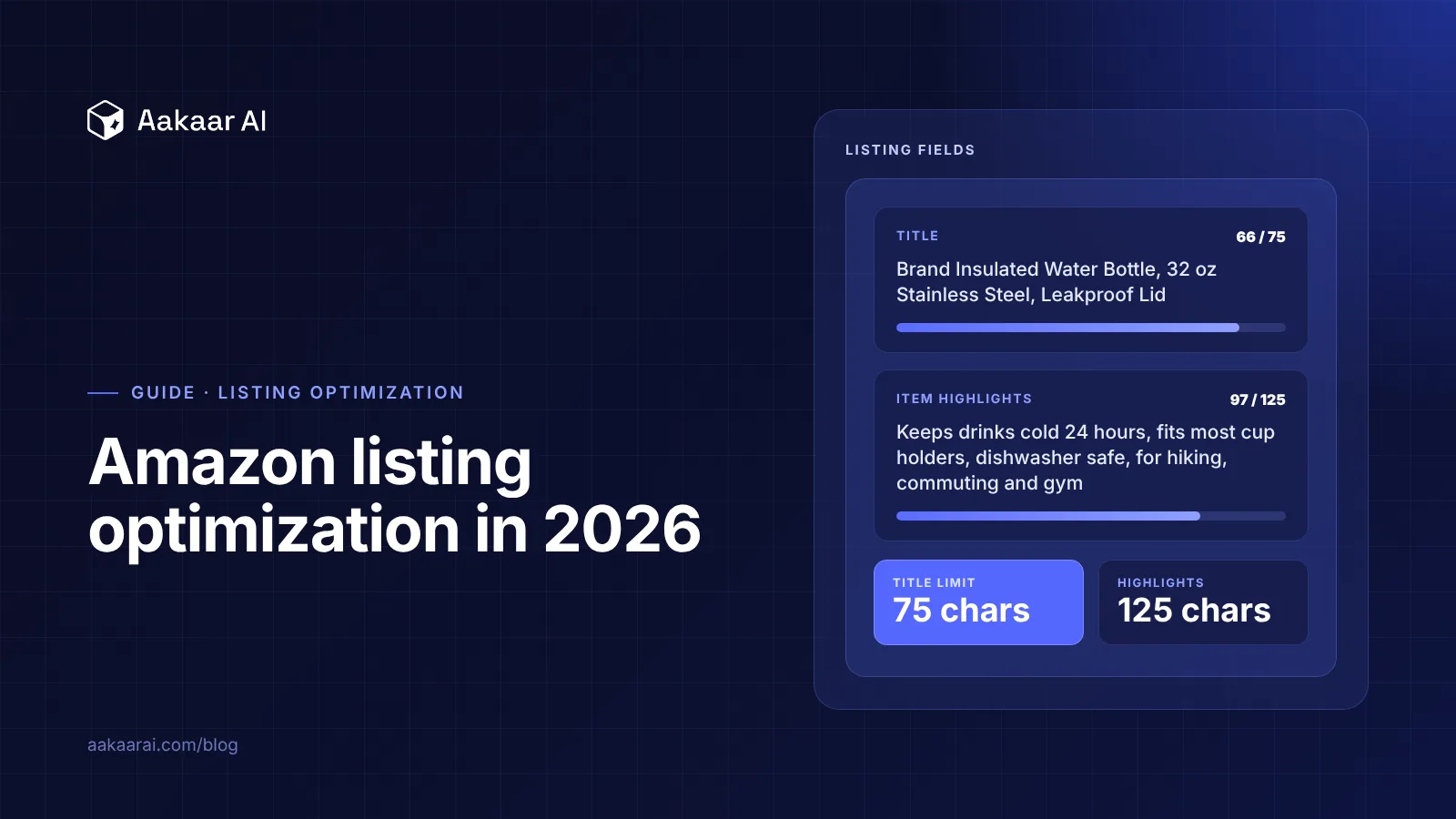
Amazon's own documentation covers the image rules, and our guide to Amazon listing optimization in 2026 covers titles, Item Highlights, bullets and backend search terms, which are the listing fields this audit checks.
Prioritize with the 80/20 rule
Once the audit is done, rank SKUs by the last 30 days of sales. In most catalogs a small share of SKUs, often around 20%, drives most of the revenue. Treat these as your contributing SKUs. Fix their catalog gaps first and scale their PPC first, and put due dates for catalog fixes into your tracker so the work does not stall.
Reports to keep running
- Week-on-week report: a daily trailing seven-day comparison at account level.
- Budget and goal report (child SKU level): budget utilization and sales against target for each SKU.
- Keyword tracking report: organic ranking changes over time.
Stage 2: Problem identification
Stage 2 is the diagnosis. With your data in place, work through each SKU to find what is holding it back. Most performance problems fall into one of three types, and each has different causes and different fixes.
Problem 1: Visibility
A visibility problem means the product is not getting enough impressions. Shoppers are not seeing it in search results or on competitor pages.
Symptoms: low impressions, low spend despite an adequate budget, weak organic rank.
Root causes to check:
- Bids too low relative to the category's competitive CPC
- Budgets capping campaigns before they can scale
- The listing not indexed for relevant keywords
- An incorrect browse node limiting keyword association
- Campaign structure missing ad types or match types
Problem 2: Low CTR
A CTR problem means the product gets impressions, but shoppers are not clicking. As a rough rule of thumb, a CTR below about 0.2% to 0.3% on search ads is worth investigating, though normal CTR varies by category and placement.
What to check:
- Price competitiveness. Is your price within roughly 5% to 10% of the category average? A high price suppresses clicks.
- Ratings and reviews. Below 4 stars, or very few reviews, reduces click likelihood.
- Main image. Is it on a white background, zoomable, and clear in grid view? An image that does not stand out loses the click.
- Main image infographics. Some categories allow them. Where permitted, they can communicate key benefits at thumbnail size.
- Targeting relevance. Irrelevant keywords and ASIN targets drag CTR down.
Problem 3: Low CVR
A CVR problem means shoppers click but do not buy. You are paying for clicks that do not convert, and the cause is usually listing quality. As a rule of thumb, a CVR below about 3% is worth investigating, though this too varies by category and price.
What to check:
- Price competitiveness. A price that looks fine in search can look high once shoppers compare on the detail page.
- Ratings and reviews. Around 4 stars or higher, with a meaningful review count, is the minimum for conversion trust.
- A+ Content. Listings without A+ Content commonly convert worse.
- Brand Story. A well-built one adds trust and time on page.
- Auto campaign match types. Amazon's automatic targeting has four groups: close match, loose match, substitutes and complements. Close match and substitutes tend to bring the most purchase-ready traffic, so make sure they are active.
The diagnostic matrix
Apply this to every SKU:
| What you see | Problem | Where to focus |
|---|---|---|
| Low impressions | Visibility | Bids, budgets, campaign structure, indexing |
| High impressions, low clicks | CTR | Main image, price, reviews, targeting relevance |
| High clicks, low orders | CVR | Listing quality: A+ Content, reviews, price |
| High clicks, high orders, high ACoS | Bid efficiency | Bid and target optimization (Stage 4 and beyond) |
Stage 3: Research and analysis
With the diagnosis done, Stage 3 builds the targeting material and competitive picture your campaigns will run on.
Keyword collection and research
Keyword research is one of the highest-leverage activities in Amazon PPC. A strong keyword list powers paid targeting and organic SEO at the same time.
Sources to collect from:
- Amazon search bar autocomplete. Start with your core product terms and capture the suggestions.
- Competitor listings. Reverse-engineer the keywords your top three to five competitors rank for, using a keyword research tool such as Helium 10 (Cerebro) or Data Dive.
- Brand Analytics, Search Query Performance. Shows which queries already find your product and your click and conversion share against competitors.
- Auto campaign search term report. After two to four weeks of auto campaigns, this is real shopper data.
- Seed keyword expansion. Take five to ten core keywords and expand into long-tail variations across intent: buy, best, review, under a price, for an occasion.
Selection criteria:
- Search volume. More volume means more opportunity and more competition.
- Relevance. How closely the term matches the product's main use.
- Organic position. Keywords where you already rank around positions 11 to 30 are strong candidates for a paid push.
- Competition level. Estimated CPC and the number of competing products.
- Intent. Long-tail terms of four or more words often carry higher intent and lower CPCs.
Competitor pricing audit
Before any campaign goes live, audit pricing for every product you will advertise:
- Identify the top five competitors by monthly unit sales in the sub-category.
- Record each one's selling price, discounts and coupons, effective price after discount, and price per unit.
- Estimate their monthly and weekly unit sales using a tool like Helium 10 or Brand Analytics.
- Decide whether your product is price-competitive. If your effective price sits well above the category average, as a rough guide more than 10% above, CTR and CVR will likely suffer regardless of ad spend.
Launch strategy template
For each SKU being launched or relaunched, write a short launch document covering:
- Target ACoS for the first 30, 60 and 90 days. Typically higher at launch.
- Budget split across Sponsored Products, Sponsored Brands and Sponsored Display.
- Priority keywords. The top 20 to 30 terms to focus on at launch.
- Competitor ASINs to target, identified from your research tools or Brand Analytics.
- Promotions such as coupons or deals that support conversion during launch.
Stage 4: PPC execution
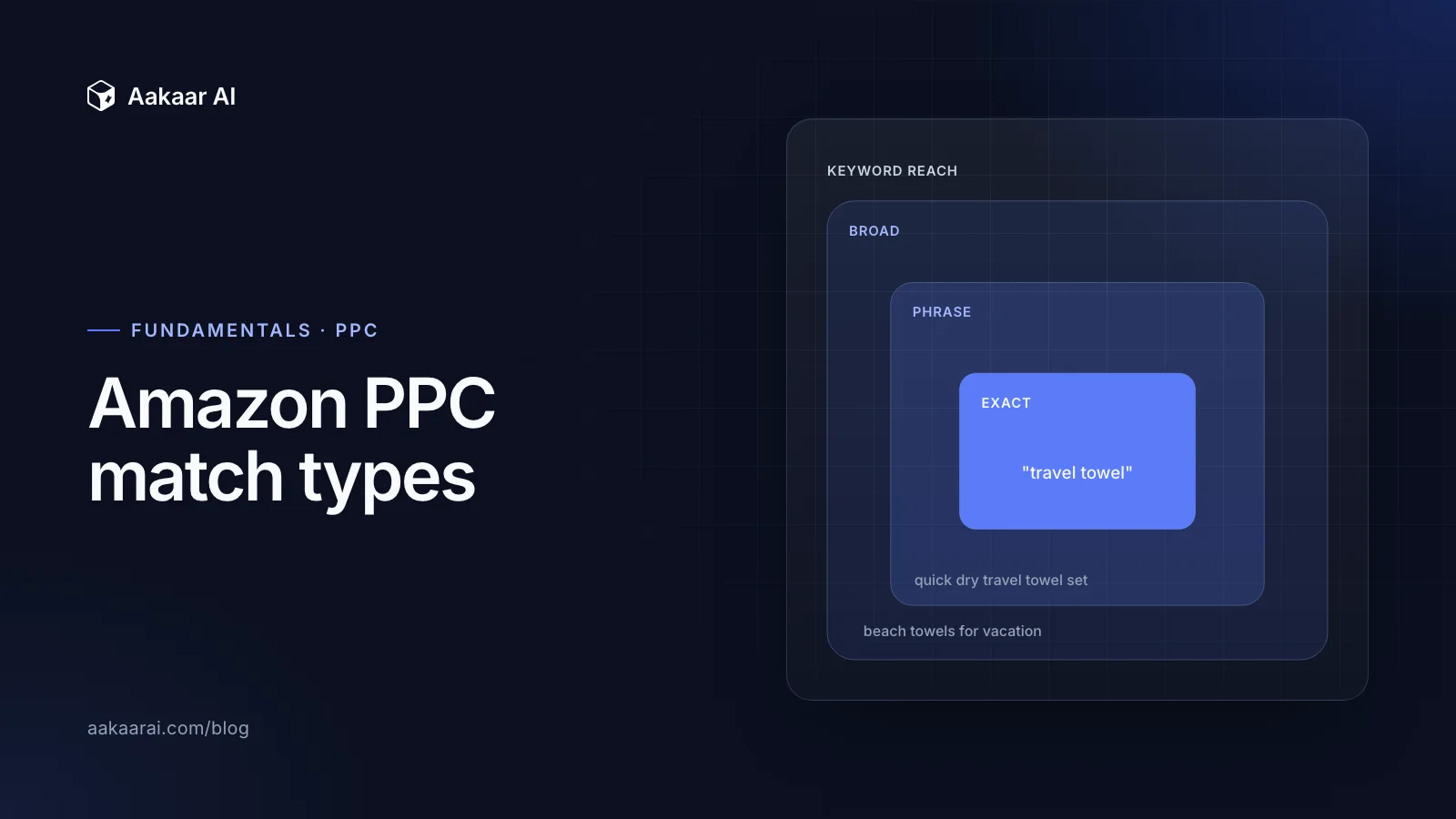
This is where the preparation pays off. Good execution means structured naming, campaign architecture matched to the problem you diagnosed, and bidding set by goal from day one. Match types come up throughout this stage, so if you need a refresher, read our breakdown of Amazon PPC match types.
Campaign naming convention
A standard naming convention is the backbone of efficient account management. Once an account has 50 to 100 or more campaigns, clear names save hours.
Campaign naming formula:
BRAND-[Parent SKU]-[Child SKU]-[Product Short Name]-[Campaign Type]-[Targeting Type]-[Target Type]-[Goal]Examples:
BRAND-PROT-P001-ChocoProtein-SP-Auto-Discovery-Visibility
BRAND-PROT-P001-ChocoProtein-SP-Manual-Exact-Conversion
BRAND-PROT-P001-ChocoProtein-SB-Manual-CompetitorASIN-CTR
Ad group naming formula: name ad groups after the child SKU and the match type they contain.
[Child SKU]_[Match Type]Examples: P001_Auto, P001_Broad, P001_Phrase, P001_Exact, P001_CompetitorASIN
Campaign architecture by problem type
Match the structure to the problem from Stage 2.
For visibility problems: maximum reach
Goal: maximum impressions and exposure. Profitability is secondary at this point.
- SP Auto: all four sub-types active, with dynamic bids (up and down) and the highest placement bid on Top of Search.
- SP Manual, Broad and Phrase: high search volume keywords.
- SP Manual, competitor ASINs (expanded): target the major competitors in the category.
- SB Manual: broad, phrase and exact, with automated bidding enabled. Goal: grow brand impression share. Cost control off.
- SD Contextual: category and competitor ASIN targeting. Bidding optimized for reach. Cost control off.
For CTR problems: high relevance
Goal: the most relevant, high-intent clicks. Click quality matters more than impression volume.
- SP Auto: all sub-types, with dynamic bids (up and down).
- SP Manual: broad for relevant discovery, plus phrase and exact for specific intent.
- SP Manual, ASIN targeting: relevant competitor ASINs and your own cross-sell and up-sell SKUs, not just an expanded list.
- SB Manual: broad, phrase and exact. Goal: drive page visits. Automated bidding on.
- SD: page visits optimization, with views remarketing.
- Placement bids: highest weight on Rest of Search, where the most ad slots sit.
For CVR problems: conversion efficiency
Goal: every click should carry the highest possible purchase intent.
- SP Auto: substitutes and close match sub-types. Consider a low-bid campaign for well-indexed, converting keywords.
- SP Manual, keywords: phrase match from Search Query Performance (highest conversion share) and exact match for short and long-tail converting terms.
- SP Manual, ASIN targeting: direct competitors, plus cross-sell and up-sell ASINs informed by market basket analysis.
- SP Manual, branded keywords: capture demand you have already created.
- SB Manual: branded and conversion-intent exact keywords. Goal: conversions.
- SD: purchases remarketing to re-engage past buyers (useful for consumables) and in-market audiences for new customers.
- Bidding: dynamic bids (down only) or fixed bids for SP. Cost control on for SD.
Bidding strategy by campaign type
Amazon's guide to dynamic bids, up and down explains how that strategy works and when to use it. Sponsored Brands campaigns are built around goals such as driving page visits or growing brand impression share, which Amazon describes in its goal-based campaigns announcement.
| Campaign type | Visibility goal | CTR goal | CVR goal |
|---|---|---|---|
| Sponsored Products | Dynamic bids, up and down | Dynamic bids, up and down | Dynamic bids, down only, or fixed |
| Sponsored Brands | Automated bidding on, cost control off | Automated bidding on, cost control off | Automated bidding on, cost control on |
| Sponsored Display | Reach, cost control off | Page visits, cost control off | Conversions, cost control on |
Placement bid strategy
Placement bids are percentage adjustments on top of your base bid for specific placements. Amazon explains how they sit alongside bidding strategies in its Sponsored Products bidding and targeting announcement.
| Placement | Visibility goal | CTR goal | CVR goal |
|---|---|---|---|
| Top of Search | Highest %, priority placement | Median % | Enable if CVR is high and profitable |
| Rest of Search | Median % | Highest %, most ad slots | Monitor and enable selectively |
| Product Pages | Lowest % | Lowest % | Enable for competitor-targeting campaigns |
After launch: optimization and reporting
The playbook does not stop when campaigns go live. It moves into a continuous cycle of optimization and reporting.
Scenario-based optimization
Ongoing optimization is driven by performance data. When a target or campaign hits a defined scenario, such as high ACoS, low CTR, idle spend or high CVR, you apply a pre-agreed rule rather than improvising. Defining those rules in advance keeps decisions consistent and stops you from reacting to noise.
Internal reporting cadence
| Frequency | What to review | Report |
|---|---|---|
| Daily | Trailing seven-day account performance and daily run rate against target | Day-on-day and week-on-week report |
| Weekly | Month-to-date sales against target, TACoS against target, budget pacing | Business reports and week-on-week report |
| Monthly | Full review: sales, TACoS, organic sales, keyword ranking, BSR, top and worst sellers | Monthly review dashboard |
Common mistakes
- Launching before diagnosing. Building campaigns without knowing whether the issue is visibility, CTR or CVR.
- Scaling spend on a broken listing. High budgets on a weak main image, thin reviews or no A+ Content waste money.
- Treating every SKU the same. Contributing SKUs deserve the first fixes and the first budget.
- Inconsistent naming. Campaigns that cannot be filtered or grouped become hard to manage within a few weeks.
- Skipping the pricing audit. If you are well above the category average, bids cannot fix it.
- Changing bids on noise. Reacting to a single day's swing rather than a trend.
- Optimizing ACoS alone. Look at TACoS and organic sales alongside it, so you can see whether ads are supporting overall growth. Our beginner's guide to Amazon PPC explains how ACoS, TACoS and the other core metrics fit together.
Frequently asked questions
Running the playbook at scale
The playbook is straightforward on a handful of SKUs. It gets hard across hundreds of SKUs, several ad types and daily optimization, where consistency is the first thing to slip.
Aakaar AI helps Amazon sellers and agencies run this kind of structured workflow across a catalog, with a human in the loop on every change. If you want to see how it works, visit aakaarai.com.