Top 10 Amazon Seller MCP Servers in 2026: What Each One Can Do With Your AI Assistant
10 Amazon MCP servers compared by what they connect to, whether they can change your account, which AI assistants they work with and how to set them up. Last verified 18 November 2026.
By Aakaar AI Team · Last updated 18 November 2026
The best Amazon seller MCP server depends on what you want your AI assistant to reach. Aakaar AI connects your own Ads, Seller Central, Brand Analytics and AMC data. Amazon's two servers are the official route. Helium 10, Jungle Scout and SmartScout bring market data. Pacvue, Perpetua, Xnurta and Skai bring the data of a platform you already use.
Disclosure: Aakaar AI publishes this guide and makes one of the 10 servers in it. We do not score or rank the servers. They are grouped by type, and each one gets a "best for" line and a "wrong choice if" line. Every fact about another company comes from that company's own pages, read on 18 November 2026. We left out prices and ratings, because both change by plan and by month.
Four picks by use case
Your own Ads, Seller Central, Brand Analytics and AMC data in one connection, in the AI assistant you already use: Aakaar AI MCP. See the MCP page
One US seller account, used in Claude: Amazon's Selling Partner plugin, in beta for US stores.
Market and competitor research: Helium 10, Jungle Scout or SmartScout, whichever you already use.
The ads or retail media platform you already pay for: its own MCP, from Pacvue, Perpetua, Xnurta or Skai.
Amazon MCP vs AWS MCP
An Amazon MCP server connects your Amazon selling or advertising accounts to an AI assistant. An AWS MCP server connects an AI coding tool to Amazon Web Services, the cloud platform, and has nothing to do with selling on Amazon. This guide covers only the first kind: servers for Seller Central, Amazon Ads, Amazon Marketing Cloud (AMC) and the market data around them. If you were looking for AWS tools, none of the 10 below are for that.
The 10 Amazon seller MCP servers at a glance
The servers are grouped by type. The numbers show list order, not a ranking.
ChatGPT, Claude, Gemini, Cursor, VS Code, Amazon Quick
The 10 best Amazon seller MCP servers, one by one
Every entry follows the same format: what it is, a screenshot of the vendor's own page, a fact box, and pros and cons. The numbers show list order, not a ranking.
1
Aakaar AI MCP
Best for your own Ads, Seller Central, Brand Analytics and AMC data in one connection
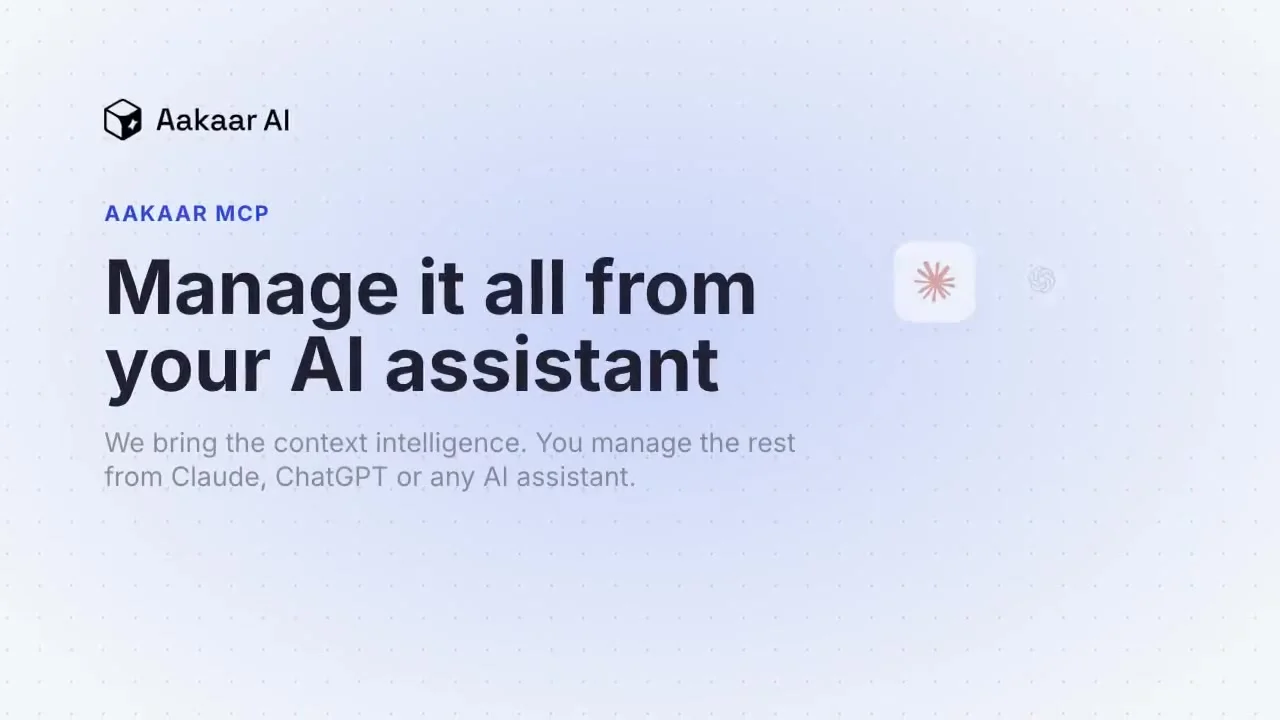
Aakaar AI's MCP connects your own Amazon accounts to the AI assistant you already use. It reads Amazon Ads campaigns, ad groups, targets, budgets and change history, plus account KPIs, profit, returns, product and catalog data, promotions and listing content. It also reads Brand Analytics, including Search Query Performance and top search terms, Vendor Central product data, and AMC workflows and audience templates, with a DSP scope for DSP data. It can create and update campaigns, ad groups, ads and targets, update bids, budgets, listing content and price, and run AMC queries. Changes are shown for confirmation first. It comes with a free prompt library of ready-made playbooks, such as PPC audits and account audit dashboards, and can build dashboards inside the chat. Aakaar is an Amazon Ads Verified Partner and a Selling Partner Appstore Software Partner.
Aakaar AI's MCP page, captured 18 November 2026
Type: All-in-one account connector
Can it take actions? Yes. Changes are shown for confirmation first
Who can use it: Anyone, with a 14-day free trial and no credit card
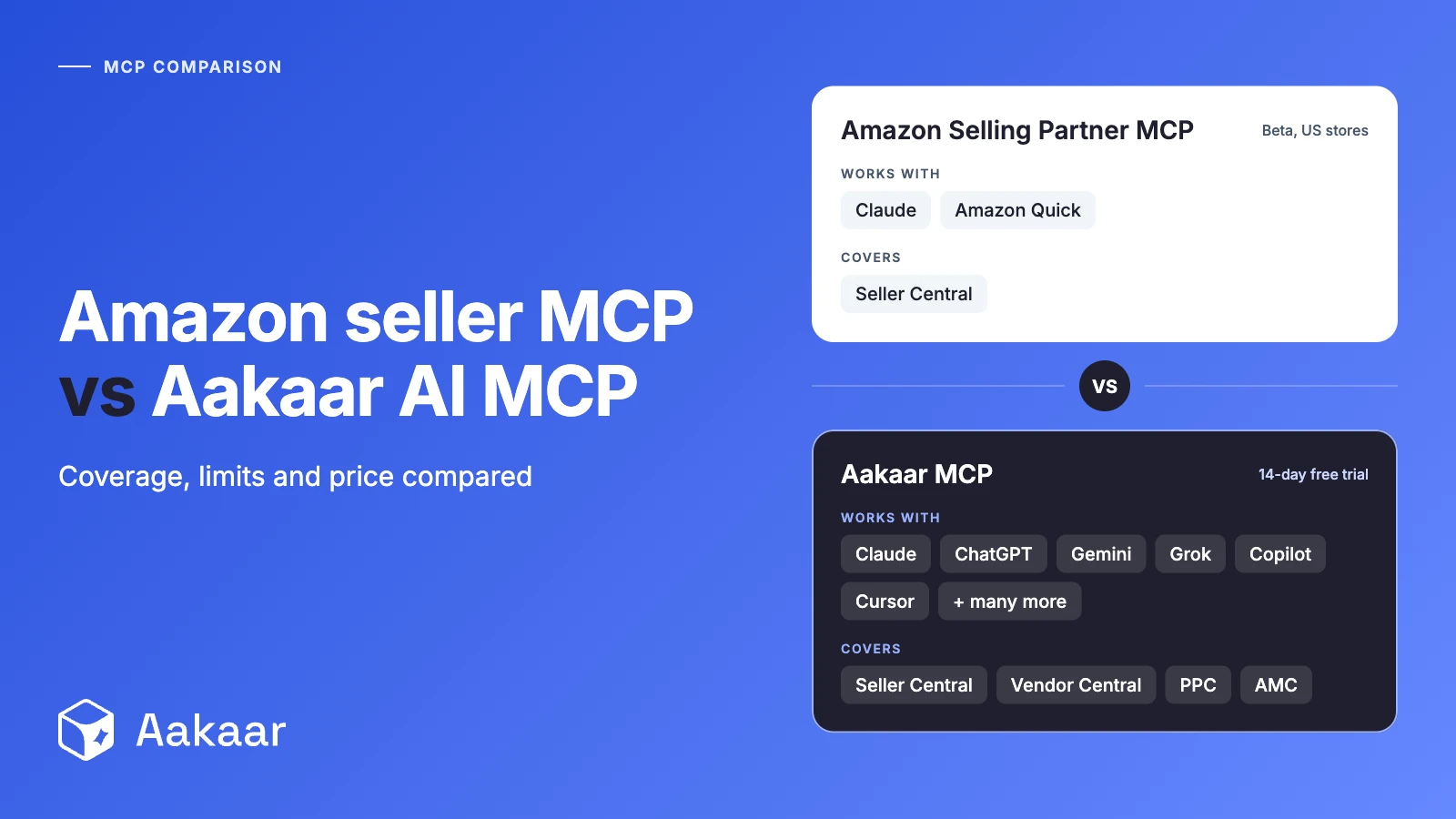
AI assistants: Claude, ChatGPT, Grok, Microsoft 365 Copilot and other MCP clients
Pros
Ads, Seller Central, Brand Analytics and AMC in one connection
Works in four AI assistants, sign-in only, no API credentials
Changes are shown for confirmation before they run
Cons
Built around your own Amazon accounts, so it is the wrong choice if you only want competitor and market research
Needs your Amazon Ads account connected through Amazon's sign-in
Best for one US seller account, used in Claude or Amazon Quick
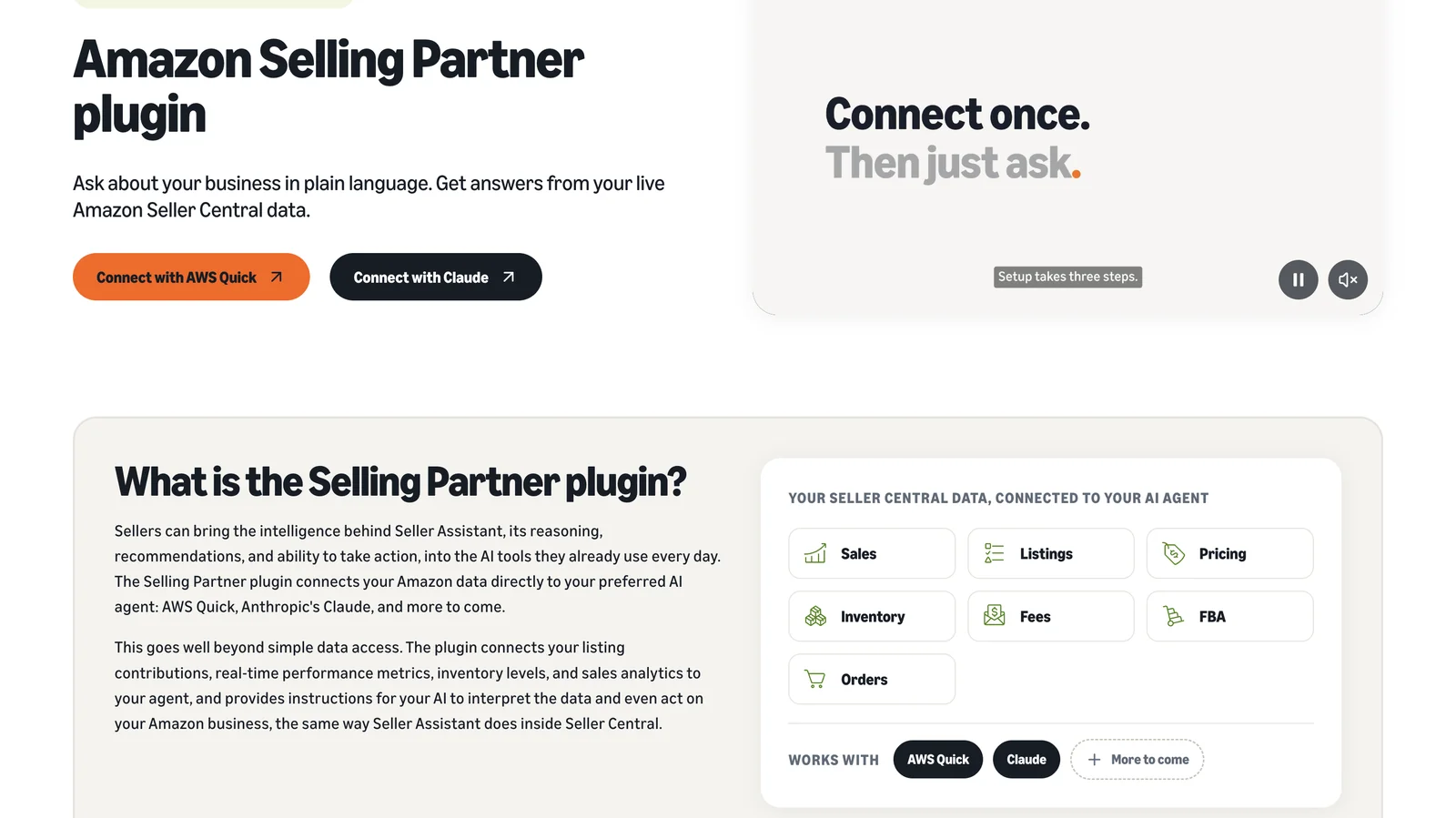
Amazon's Selling Partner plugin brings Seller Assistant into outside AI tools. Per Amazon, it connects your listing contributions, real-time performance metrics, inventory levels and sales analytics to your assistant. Amazon says the plugin can act on your business, with human approval on actions and complete audit trails. Amazon announced it on 23 September 2026. It launched in Amazon Quick and in beta with Claude, and Amazon says sellers connect in roughly 60 seconds with no code.
Amazon's Selling Partner plugin page, captured 18 November 2026
Type: Amazon's own
Can it take actions? Yes, with human approval on actions
Who can use it: Sellers in Amazon's US stores, in beta
AI assistants: Claude (beta) and Amazon Quick
Pros
Amazon's own connector, with audit trails
Quick to connect, with no code
Approval on actions
Cons
US stores only for now, with international expansion planned
Amazon names only Claude and Amazon Quick, so no ChatGPT
Amazon's description covers Seller Central data, not advertising data
Best for Amazon Ads partners and developers who work through the Ads API
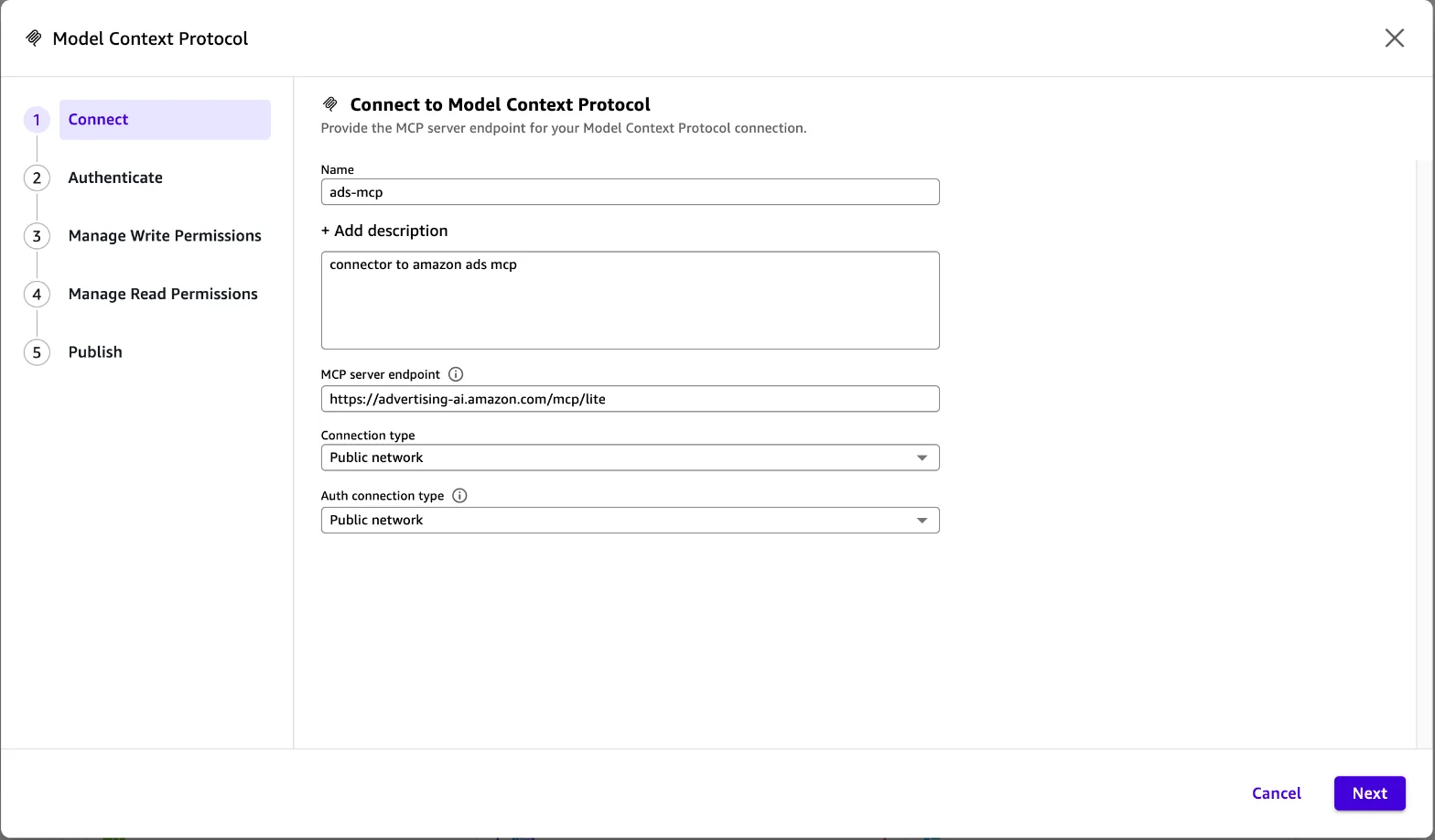
The Amazon Ads MCP Server is Amazon's translation layer between an AI agent and the Amazon Ads API. Per Amazon, agents can create, update and delete campaigns, run performance and reporting queries, manage account-level settings and reach billing and financial data. Its pre-built tools package multi-step jobs, such as a Sponsored Products campaign built end to end that Amazon says only needs review and approval before launch. Amazon announced the open beta on 2 February 2026.
Adding the Amazon Ads MCP Server as a Model Context Protocol connection, captured 18 November 2026
Type: Amazon's own
Can it take actions? Yes: create, update and delete campaigns
Who can use it: Amazon Ads partners with active API credentials, in open beta
AI assistants: Any MCP-compatible agent. Amazon names Claude, ChatGPT and Gemini as examples
Pros
Amazon's own server, available globally in open beta
Pre-built tools for multi-step jobs like launching a campaign or expanding to a new country
Works with custom-built agents as well as AI assistants
Cons
Needs active Ads API credentials, so it suits teams with a developer
Works on advertising data, so it has no Seller Central data
Best for keyword, product and competitor research, with ad changes on approval
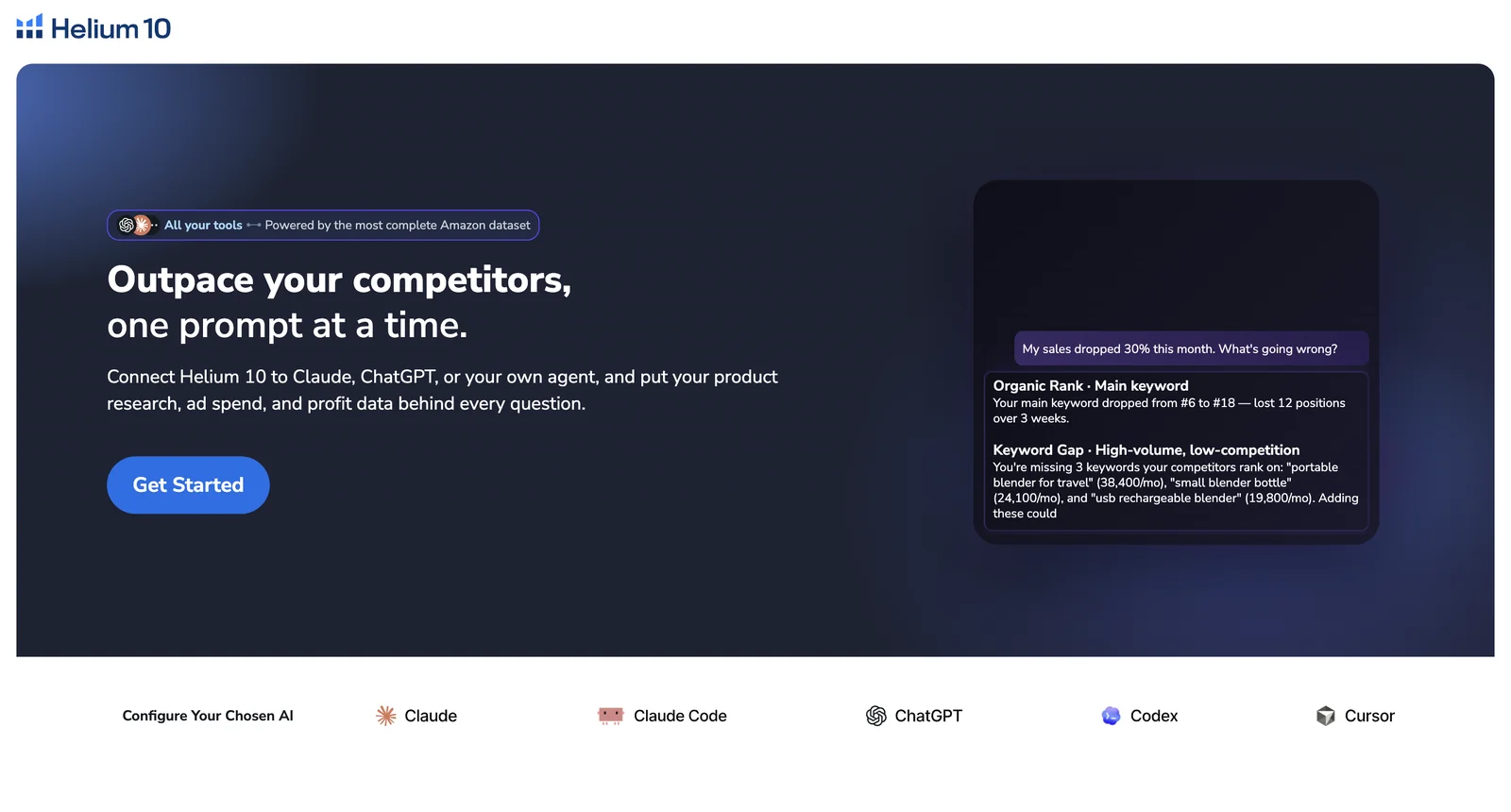
Helium 10's MCP puts its research data inside your AI assistant. Per Helium 10, you can run reverse ASIN analysis, find keyword gaps, pull rank tracking and score listings, search Amazon Brand Analytics data, and also read your campaign data, your profit, margin, COGS and fee figures, and inventory health. One connection can cover several Amazon accounts, and Helium 10 says it also covers Walmart and TikTok data across 24 marketplaces. Helium 10's help center says it can change Amazon and Walmart ad campaigns: budgets, new campaigns, ad groups, and pausing or enabling. It cannot delete campaigns, ad groups or keywords. Helium 10 announced the MCP on 16 July 2026.
Helium 10's MCP page, captured 18 November 2026
Type: Research and market data
Can it take actions? Yes, ad changes only, and every change needs your explicit approval first
Who can use it: Helium 10 Diamond plan
AI assistants: Claude, ChatGPT, Cursor, Claude Code and Codex
Pros
Research, ad and profit data behind one connection
Ad changes show the retailer, account and action before you approve
Covers Amazon and Walmart ads
Cons
Needs the Diamond plan, so it is the wrong choice if you are on a lower plan
Best for brand and insights teams that already use Jungle Scout Cobalt
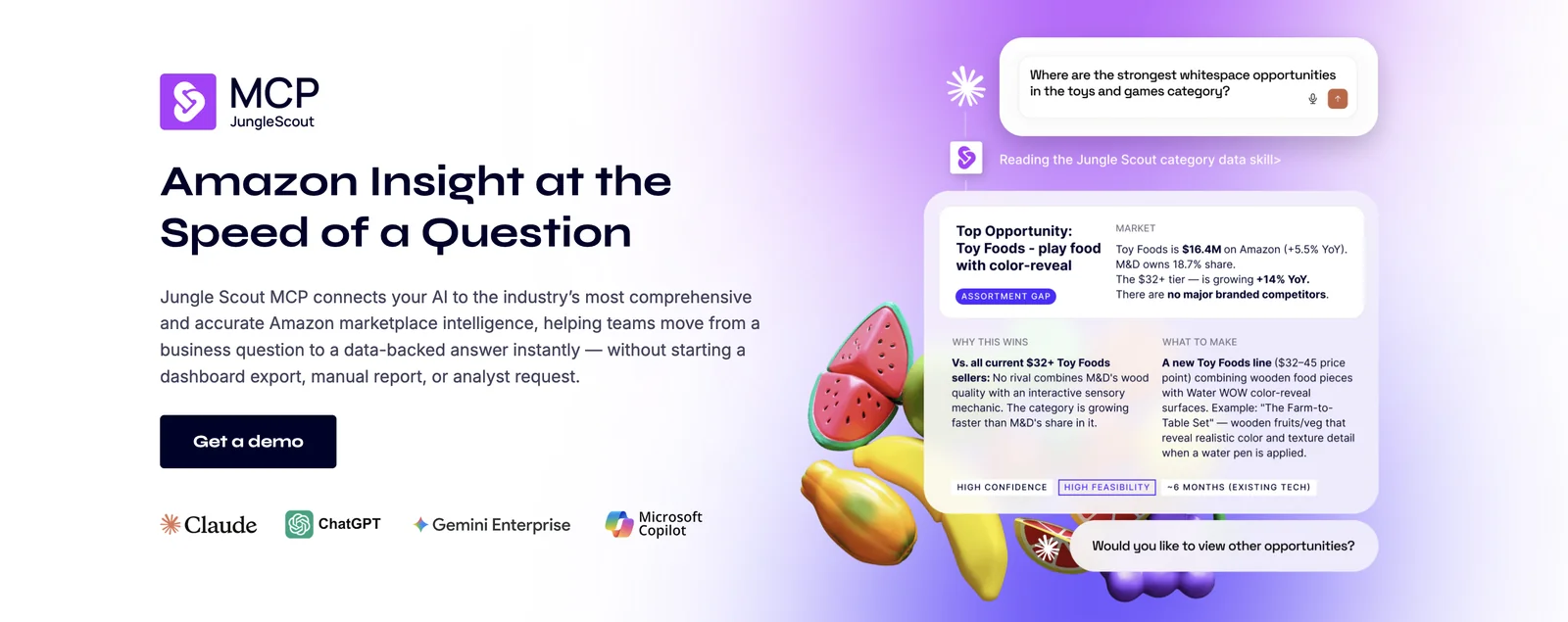
Jungle Scout's MCP connects Cobalt's Amazon market data to your AI assistant. Per Jungle Scout, it supports questions on market share and category growth, brands and sellers, products and ASINs, pricing and price tiers, keywords and share of voice, product attributes, and connected sales and advertising data where available. Jungle Scout's pages describe questions and analysis. They do not describe changes to your account.
Jungle Scout's MCP page, captured 18 November 2026
Type: Research and market data
Can it take actions? Pages describe analysis only
Who can use it: Cobalt customers, or new customers through a demo
AI assistants: Claude, ChatGPT, Gemini Enterprise and Microsoft Copilot
Pros
Category-level market share, pricing and share of voice
Works in four AI assistants, including Gemini Enterprise
Can help produce briefings and reports in the assistant
Cons
Access comes through a demo or an account rep, so you cannot sign up and connect on your own
Best for competitor and market research on any brand, seller, product or keyword
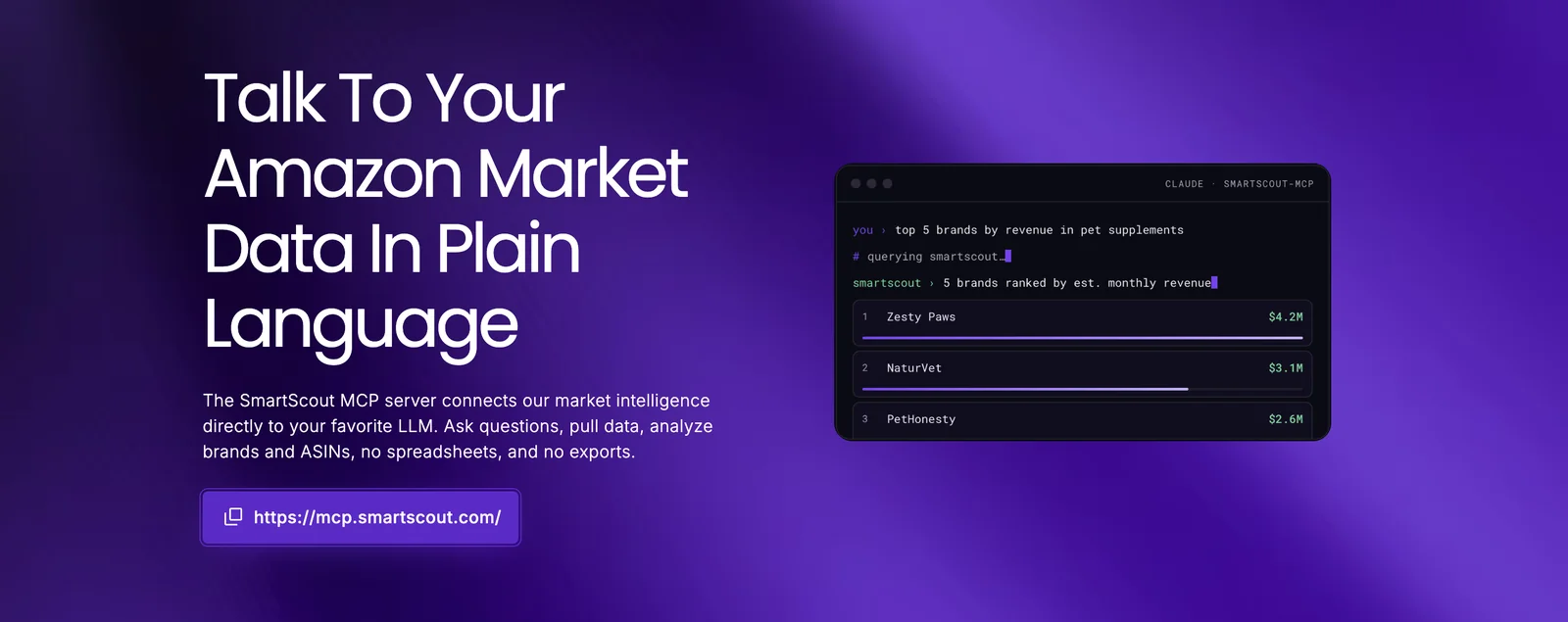
SmartScout's MCP connects its own market data to your AI assistant, so you can ask about brands, ASINs, categories and trends without spreadsheets or exports. It reads sellers, brands, revenue estimates, products, subcategories, search terms and Ad Spy. It does not change your Amazon account, and a few tools save dashboards inside SmartScout. SmartScout calls the MCP early access, with a first release that runs on its API and a version without the API coming.
SmartScout's MCP page, captured 18 November 2026
Type: Research and market data
Can it take actions? No. It reads SmartScout's market data
Who can use it: SmartScout subscribers, in early access
AI assistants: Claude, ChatGPT and Microsoft Copilot, plus a Gemini Enterprise connector
Pros
Covers any brand or product on Amazon, not only your own
Hosted, with nothing to install
Listed as tested in three AI assistants
Cons
Built for market data, so it is the wrong choice if you need your own account's sales, ads or inventory
Early access, with the first release tied to SmartScout's API
Best for retail media teams on Pacvue that want reports and Share of Voice across retailers
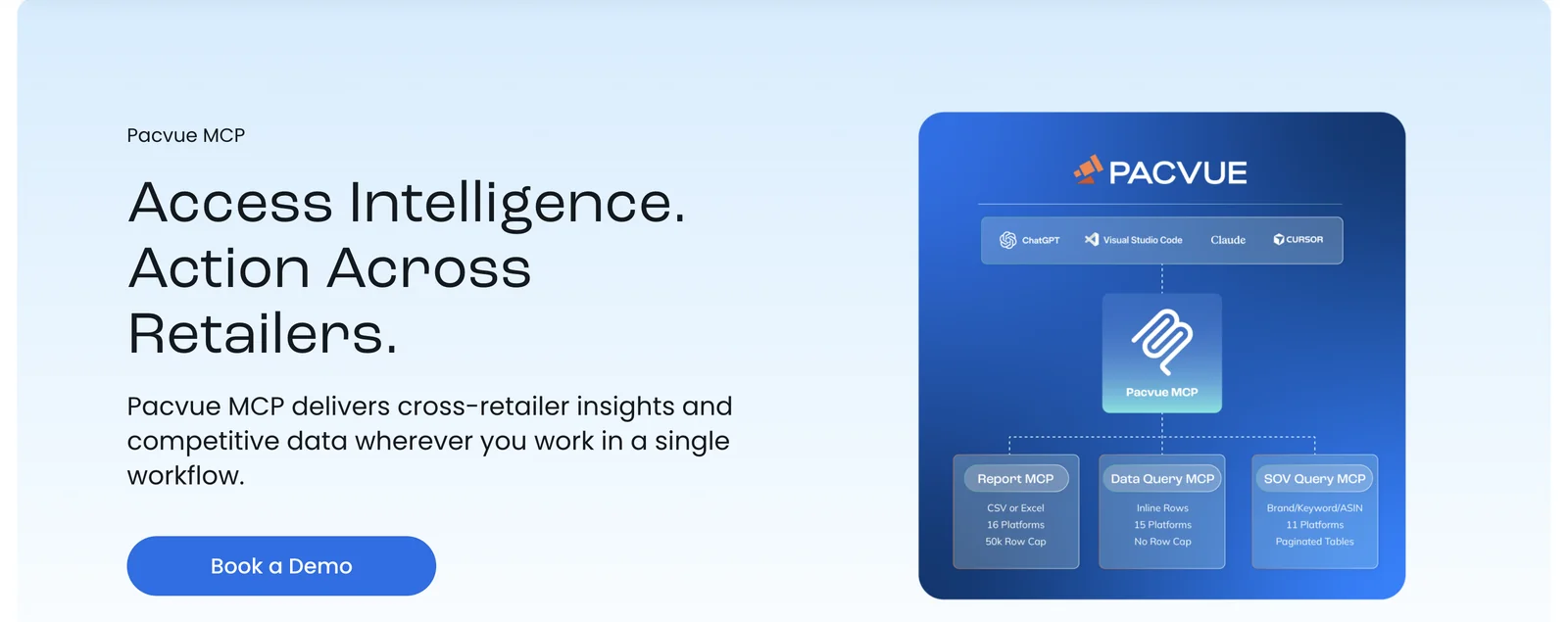
Pacvue's MCP brings Pacvue data into your AI assistant. Per Pacvue, it can pull any My Report type across your retail media platforms as a CSV or Excel file, answer analytical questions in the chat, and return brand, keyword and ASIN-level Share of Voice. Reports reach back up to two years. It reads only today. Pacvue says a Campaign Management MCP, with write access to Pacvue and human confirmation, is in development, and it describes reading from Pacvue's MCP while Amazon's and Walmart's MCP servers carry out the actions. Pacvue announced the Report MCP on 14 May 2026.
Pacvue's MCP page, captured 18 November 2026
Type: Ads and retail media platform
Can it take actions? Not today. Campaign changes are in development
Who can use it: Pacvue customers
AI assistants: Claude, ChatGPT, Cursor, VS Code and other MCP clients
Pros
Cross-retailer reports and Share of Voice in one place
Follows your existing Console permissions, with OAuth 2.0 or an API token
Meant to sit on top of Amazon's and Walmart's own MCP servers
Cons
Pacvue customers only
Reads today, so it is the wrong choice if you need the assistant to change campaigns
Best for brands on Perpetua that want Share of Voice and Return on Consumer inside Claude or ChatGPT
Perpetua's MCP is a direct connection between your Perpetua account and Claude or ChatGPT. Per Perpetua, your assistant sees your performance in the context of your goals and account structure, plus Share of Voice, Return on Consumer and performance data. Its post describes the assistant recommending a change that you review and put into effect in Perpetua, where its optimization engine continues the work. It does not describe the assistant editing campaigns on its own. Perpetua announced the MCP on 22 September 2026.
Perpetua's MCP announcement, captured 18 November 2026
Type: Ads and retail media platform
Can it take actions? It recommends. You apply the change in Perpetua
Who can use it: Perpetua customers. The post tells readers to contact Perpetua
AI assistants: Claude and ChatGPT
Pros
Brings goals, account structure and Share of Voice into the conversation
Hands the recommended change to Perpetua's own optimization engine
Cons
The post gives no setup steps or tool list
Wrong choice if you want the assistant itself to make the change
Best for Xnurta customers who want to ask about Amazon Ads performance and change history in plain language
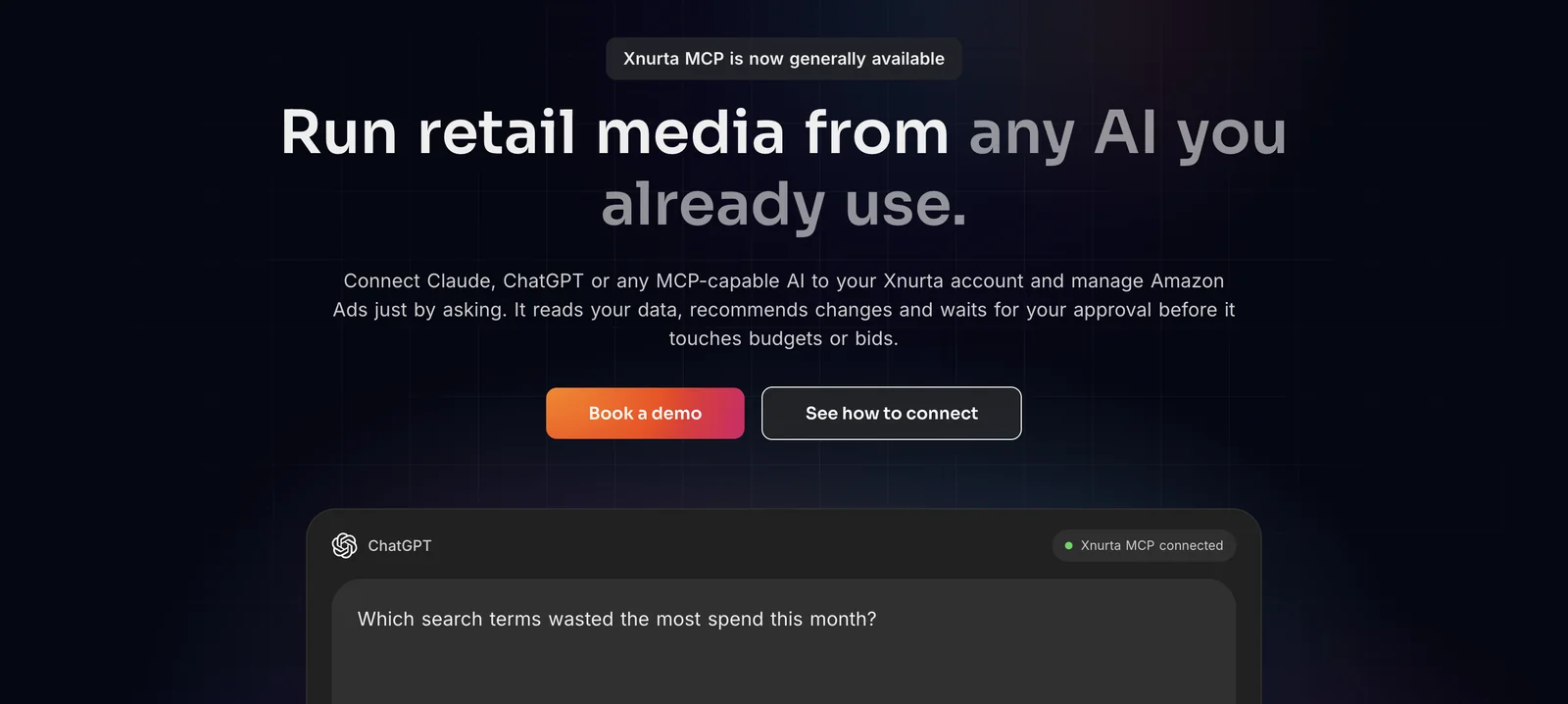
Xnurta's MCP puts your Xnurta data inside your AI assistant. Per Xnurta, it reads spend, sales, ACOS, ROAS, CTR, CVR and CPC by campaign, ad group, target or product ad, and TACOS, sessions and Buy Box % at ASIN level. It also reads campaign structure, managed groups and a log of human and AI actions, with 15 months of history. Xnurta says its MCP is now generally available. It reads your data, recommends changes and waits for your approval before it touches budgets or bids. Xnurta's launch release schedules write features in phases (managed groups, bulk edits to bids, budgets and keywords, and campaign creation), with general availability dates between 25 August and 27 October 2026, so check which are switched on for your account. Xnurta announced the MCP on 13 August 2026.
Xnurta's MCP page, captured 18 November 2026
Type: Ads and retail media platform
Can it take actions? Yes, with your approval before it touches budgets or bids. Write features roll out in phases
Who can use it: Xnurta customers. Ask your customer success manager to turn it on
AI assistants: Claude (web, desktop, Cowork) and ChatGPT tested. Claude Code, Cursor and Cline by manual setup
Pros
Publishes a dated roadmap, so you can see what is live and what is not
Every action, human or AI, lands in one operation log
About 5 minutes to set up, per Xnurta
Cons
Xnurta customers only, and write features roll out in phases
AMC and DSP data are listed as later, so it is the wrong choice if you need them through MCP today
Best for teams that run campaigns across many channels, Amazon among them
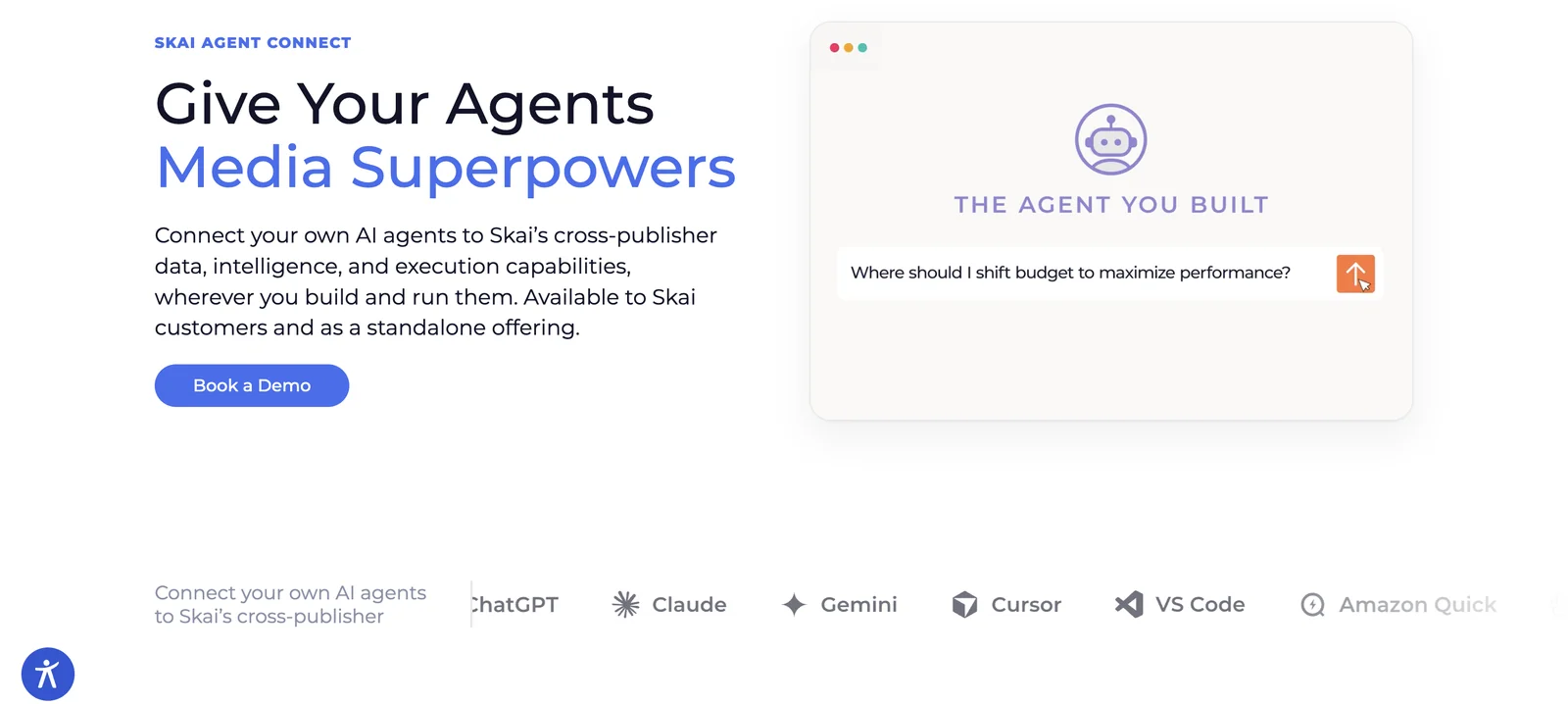
Skai Agent Connect lets your own AI agent use Skai's data and campaign tools. Per Skai, reporting covers 300+ channels and publishers in one consistent data structure, and a beta Insights connector adds more, including AMC for Amazon. The Campaign Actions connector, in open beta, can create and update campaigns, adjust bids and budgets, change status and make bulk edits across accounts, with preview and approval before supported changes. Skai recommends that a person previews and approves every update and advises against running its agent in auto mode. Skai announced Agent Connect on 22 September 2026, with 34 tools at launch.
Skai's Agent Connect page, captured 18 November 2026
Type: Ads and retail media platform
Can it take actions? Yes, in open beta, with preview and approval
Who can use it: Skai customers, or anyone as a standalone offering. You do not need the Skai Omnichannel Platform
AI assistants: ChatGPT, Claude, Gemini, Cursor, VS Code and Amazon Quick
Pros
One connection across 300+ channels, not only Amazon
Preview and approval before supported changes
Works in six AI environments
Cons
Campaign Actions needs the Reporting connector first, and Skai's page marks its optimization features as coming soon
Wrong choice if you only advertise on Amazon and do not need cross-channel data
Read, recommend or act: which level of Amazon MCP do you need?
The 10 servers sit at three levels of help, and which one you need follows from where your time goes. A reading server answers your questions and leaves every change to you. A recommending server suggests the change and you apply it in the vendor's tool. An acting server makes the change itself, ideally after you confirm it.
If you only want answers, a reading server is the safest start. If you want your assistant to do the work, pick one that shows the change first, and keep per-tool approval on in your assistant while you test.
Which Amazon MCP server should you choose for your situation?
Start with the row that looks most like your setup, then read that server's entry above.
Your situation
Start with
Why, per the vendors' own pages
Solo seller, one US account, using Claude
Amazon Selling Partner plugin
Amazon's own connector, in beta for US stores. Add an ads-side server if you want ad data in the same chat
Brand that wants Ads, Seller Central and Brand Analytics in one connection
Aakaar AI MCP
Aakaar connects Ads, Seller Central, Brand Analytics and AMC in one connection, with changes shown for confirmation first
Agency with many client brands
Aakaar AI's Agency plan, or the MCP of the platform you already license
Aakaar's Agency plan has per-brand OAuth and client-safe data isolation. Pacvue, Perpetua and Xnurta serve their own customers, and Skai also sells Agent Connect standalone
Team with Ads API access and a developer
Amazon Ads MCP Server
It works directly on the Ads API: campaigns, reporting, account settings and billing. It needs active API credentials
Competitor and market research
Helium 10, Jungle Scout or SmartScout
All three are built around market data. Helium 10 needs the Diamond plan, Jungle Scout is sold through Cobalt, and SmartScout needs a SmartScout account
Advertising across Amazon and other retailers
Pacvue, Skai or Helium 10
Pacvue reports across retailers. Skai covers 300+ channels and publishers. Helium 10 changes Amazon and Walmart ads, with your approval
AMC power user
Aakaar AI, or Skai's Insights connector (beta)
Aakaar lists AMC workflows and audience templates. Skai lists AMC for Amazon in its beta Insights connector. Xnurta lists AMC as later on its roadmap
Run two servers
Most assistants let you add more than one connector, and no single server covers every job. Three pairings follow the split in this guide:
Market data plus your own account. Helium 10, Jungle Scout or SmartScout for the market, and Aakaar AI or your ads platform's MCP for your own accounts.
Amazon's connector plus an ads server. The Selling Partner plugin for US Seller Central questions in Claude, and an ads-side server for campaign data.
A platform MCP plus Amazon's own servers. Pacvue says its MCP reads the data while Amazon's and Walmart's MCP servers carry out the actions in the same workflow.
Keep each connector's sign-in and permissions separate, and turn on only the ones a chat needs.
Which Amazon MCP server works with Claude, ChatGPT, Gemini or Copilot?
All 10 servers list Claude. Only some list ChatGPT, Gemini or Microsoft Copilot. A server appears below only where the vendor's own page or announcement names the assistant, so a missing name means we did not find it confirmed, not that it will not work.
AI assistant
Servers that list it
Claude
All 10. Amazon's Selling Partner plugin is in beta
Aakaar AI (Microsoft 365 Copilot), Jungle Scout, SmartScout. Pacvue's launch release also names Copilot
Cursor
Helium 10, Pacvue, Skai. Xnurta lists it for manual setup
Claude Code
Helium 10. Xnurta lists it for manual setup
Amazon Quick
Amazon Selling Partner plugin, Skai
Grok
Aakaar AI
Is it safe to connect an Amazon MCP server? Read-only, approvals and who sees your data
A server that only reads cannot change your account, whatever you ask. A server that can change things needs rules, so check three things before you connect it.
Can it change anything? Look for the words read-only, preview, approval or confirm on the vendor's page. Pacvue says its MCP reads today. Jungle Scout's pages describe analysis only. Xnurta says its assistant waits for your approval before it touches budgets or bids. Amazon's Ads MCP Server lists creating, updating and deleting campaigns.
Who approves a change? Helium 10, Skai, Xnurta, Amazon's Selling Partner plugin and Aakaar each describe an approval, preview or confirmation step. With Perpetua, you apply the change yourself in Perpetua. Your AI assistant also has its own tool permissions, so keep per-tool approval on while you test.
Who sees your data? Whatever a server returns is processed by the provider of your AI assistant, such as Anthropic, OpenAI, Google or Microsoft. Read the vendor's privacy page and your assistant's data settings.
Start read-only, on one account, with a test campaign. Turn on changes only after you have seen the server answer correctly.
Try the same five prompts on any server that connects your own account
Run these five prompts on each server you try, on the same Amazon account and the same date range, and compare the answers with your Amazon console. A good answer matches the console, states its date range and says plainly where it had no data.
#
Prompt
What a good answer shows
1
List my five campaigns with the highest spend last month, with spend, sales and ACOS.
Numbers that match the Amazon console for the same dates
2
Which search terms spent money last month and got no orders?
A list with spend per term, and the date range it used
3
Show net profit by ASIN for last month and flag any ASIN with a missing cost.
The costs it used, and a clear flag where it had none
4
How did my top search terms change over the last four weeks?
Brand Analytics data, with the source and dates stated
5
Change the daily budget on one test campaign and show me the change before it runs.
A preview, a request for confirmation, and the change appearing in the account
Prompt 5 only applies to servers that can change your account. Research servers such as Helium 10, Jungle Scout and SmartScout answer market questions, so ask them about a competitor's keywords or a category's share instead.
Connect your Amazon Ads account through Amazon's sign-in, so Aakaar can read your Ads, Seller Central and Brand Analytics data.
In Claude, ChatGPT, Grok, Microsoft 365 Copilot or another MCP-compatible assistant, add a custom connector and paste Aakaar's hosted server address.
Sign in with OAuth when the assistant asks.
Ask the first prompt from the table above. Setup videos are in the Amazon MCP playlist.
How we chose these Amazon MCP servers, and how we checked them
This edition covers Amazon's own servers and the MCP servers from established Amazon, research and retail media platforms. It is not a list of every Amazon connector. New hosted servers launch every month, and we have not covered them here. If a server you use belongs on this list, tell us and we will check it.
We read each vendor's own MCP page, announcement or help article on 18 November 2026. Each server is judged on five things:
What it connects to. Your Seller Central, Amazon Ads or AMC data, a platform's data, or market data that is not yours.
Whether it can change your account. And how changes are controlled: approval, preview, confirmation or none.
Which AI assistants it works with. Only the assistants the vendor's own pages name.
Who can use it. Any plan, subscription or customer relationship you must already have.
Setup. Sign-in only, or your own API credentials, or a call with the vendor.
We did not run every server ourselves. We read the vendors' pages and checked Aakaar's against its live tool list. Where a vendor's own pages disagree, we say so or leave the fact out. We left out prices, ratings and scores, because they change by plan and by month and we cannot verify them the way we can verify what a server does. Check each vendor's page for current terms.
Frequently asked questions about Amazon seller MCP servers
What is an Amazon seller MCP server?
It is a connector that lets an AI assistant such as Claude or ChatGPT read your Amazon data, and with some servers change your account, from a plain-language request. Some connect your own accounts, some bring market data, and some expose the data of an ads platform you already use.
Does Amazon have an official MCP server?
Yes, two. The Amazon Ads MCP Server has been in open beta since 2 February 2026, for Amazon Ads partners with active API credentials. The Amazon Selling Partner plugin was announced on 23 September 2026 for Amazon Quick and, in beta, Claude, for US stores.
Which Amazon MCP servers can change my account?
Amazon's Ads MCP Server can create, update and delete campaigns. The Selling Partner plugin can act with your approval. Aakaar AI, Helium 10, Skai and Xnurta can make changes with confirmation or approval. Pacvue reads today, Perpetua recommends changes you apply in Perpetua, and Jungle Scout and SmartScout describe analysis only.
Which Amazon MCP servers work with ChatGPT?
Aakaar AI, the Amazon Ads MCP Server, Helium 10, Jungle Scout, SmartScout, Pacvue, Perpetua, Xnurta and Skai list ChatGPT. Amazon's Selling Partner plugin names only Claude and Amazon Quick. Check each vendor's current setup guide, because ChatGPT's menus change often.
How do I connect an Amazon MCP server to Claude?
In Claude, open Settings, then Connectors, add a custom connector, paste the vendor's server address and sign in. Some servers need more first: a plan such as Helium 10 Diamond, a customer success manager to switch it on, or Ads API credentials. Menu names change, so follow the vendor's guide.
Do I need API credentials?
Only for Amazon's Ads MCP Server, which needs active Ads API credentials. The others connect through a sign-in with the vendor, and SmartScout also asks for its key.
Do I need to be a customer of the vendor?
For Pacvue, Perpetua and Xnurta, yes. Skai offers Agent Connect to its platform customers and as a standalone offering. Helium 10 needs the Diamond plan, Jungle Scout is reached through a demo or your account rep, and SmartScout needs a SmartScout account. Aakaar AI offers a 14-day free trial with no credit card.
Is there an Amazon Seller Central MCP server?
Yes. Amazon's Selling Partner plugin connects Seller Central for US stores in Claude and Amazon Quick, in beta. Aakaar AI also connects Seller Central data, together with ads, Brand Analytics and AMC, to the assistant you already use.
Can I use more than one Amazon MCP server at once?
Yes. Claude and ChatGPT let you add several connectors. A common split is one server for market data and one for your own accounts. Keep each connector's permissions separate and switch on only what a chat needs.
About this guide
Last verified: 18 November 2026. Next review: 18 December 2026. We check this guide every month, because vendors change plans and what their servers can do. Spotted something out of date? Tell us and we will fix it.
Written by the Aakaar AI team. Reviewed by Jaimin Patel, Founder & CEO, before publishing.
Changelog
Date
What changed
18 November 2026
First publication. 10 servers checked against vendor pages
Try Aakaar AI's MCP. Connect your Amazon Ads and Seller Central data to Claude, ChatGPT, Grok or the AI assistant you already use, with a 14-day free trial and no credit card. Watch the setup on Aakaar AI's YouTube channel. Start the free trial. Or book a demo.